How to Set Up a HYROX Workout on Your Garmin
2026.09.06 update, Got a few questions about HYROX workouts, thank you for the feedback 🙏 So we shipped an update today! Just a few taps in Gymrapp and your workout syncs straight to your watch — HYROX training, ready to go ⌚️
Written By Gymrapp
Last updated About 2 months ago
💬 How to Set Up a HYROX Workout on Your Garmin
Open Gymrapp, then create your account. During setup, make sure you tap Connect to Garmin Connect (this part is important ‼️).
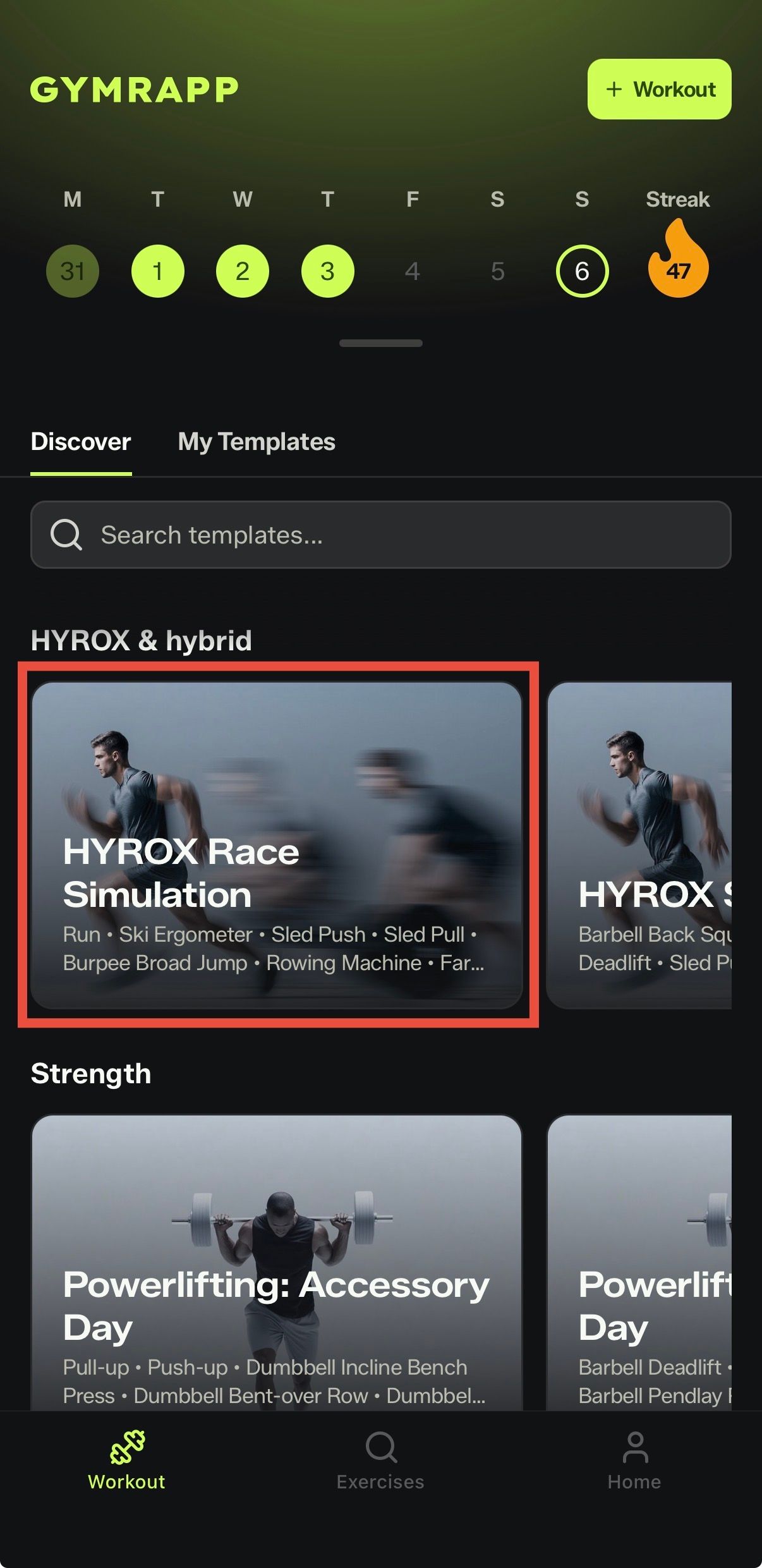
Go to Workout and tap HYROX Race Simulation (pic 1).
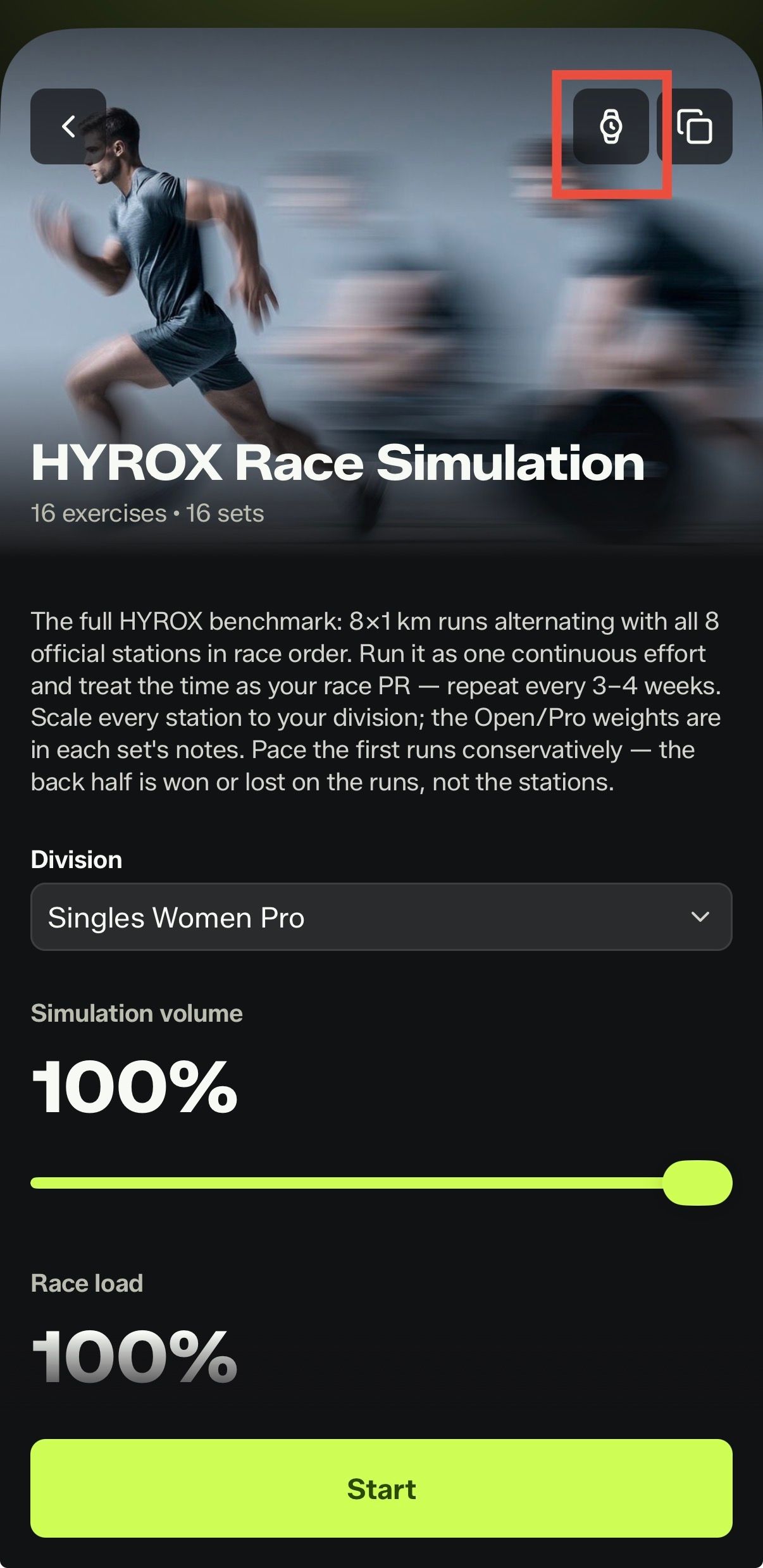
A watch icon (pic 2) will appear in the top-right corner.
Tap it to sync the workout to the Garmin device you connected earlier. (If it doesn't show up on your watch, follow the troubleshooting steps below.)
On your watch, select HIIT, then tap Training.
Tap Workouts and you'll find HYROX Sim — you're ready to start! 💪
Remember to hit the lap button at the end of each station ⌚️
When you're done — you can clearly see your pace for every run, your time at every station, and your live heart rate!
💬 The workout hasn't shown up on my Garmin watch. What now?
Your watch probably just hasn't synced yet. Open the Garmin Connect app on your phone:
Go to the More (⋯) tab on the far right and tap Training & Planning.
Tap Workouts — you'll see HYROX Sim listed. Open it and tap the watch icon in the top-right corner to push it to your Garmin right away.
💬 What if I didn't connect Garmin when I signed up?
No problem — you can connect it anytime:
In Gymrapp, go to Home and tap Settings in the top-right corner.
Scroll down to Integrations.
Find Garmin Connect in the list of connected devices and tap to enable it.
Was this helpful?
Still need help? Share an idea